nearphotos
android photos, sms and clipboard on your mac
encrypted over your local network, with no cloud sync or login
mac v0.4 · android v0.3 · macOS 13+ · intel or apple silicon · android 13+
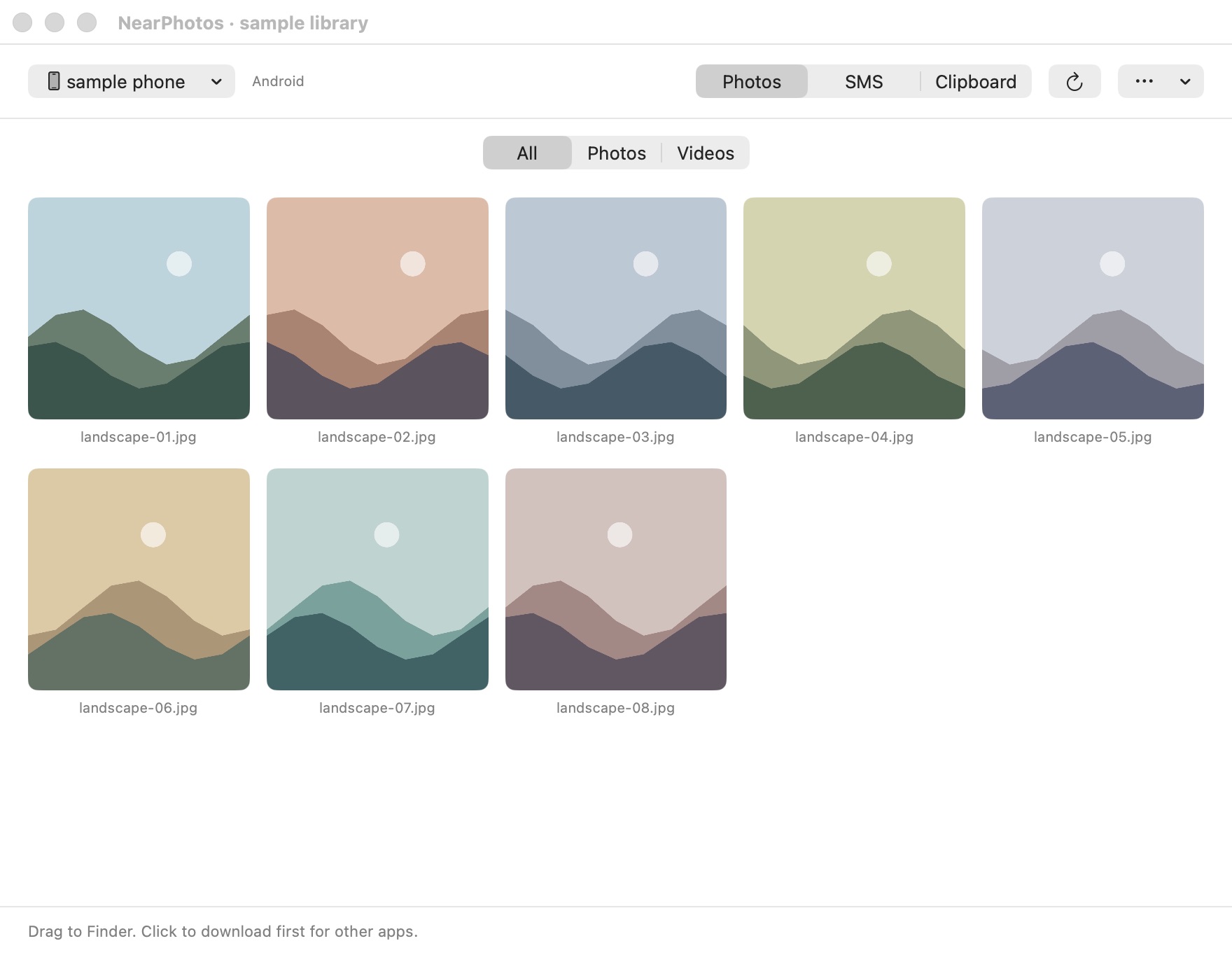
setup
- mac: unzip and move NearPhotos to Applications. if blocked, choose Open Anyway in System Settings → Privacy & Security.
- android: open the apk and allow installation. open NearPhotos, grant photo access, then tap Start sharing.
- on the same wi-fi, select your phone on the mac. check the identity matches, then enter the phone’s six-digit code.
using it
photos: drag an original into Finder or a chat. keep holding while it downloads. files stay together in Downloads/NearPhotos.
sms: enable access on your phone, then open the SMS tab on the mac. some installers require a usb install for sms permission. no rcs or app chats.
clipboard: send from the mac’s Clipboard tab. from android, share text to NearPhotos or tap Send clipboard to Mac. click Get phone clipboard on the mac within two minutes.
if disconnected, open the phone app. battery saver pauses background sharing.